MiScreen-Air Connection Kit
Australian Certified power model (not DS-700US or DS-700EU models with US/Euro power supplies requiring adapters).
The DS-700AU's USB 3 SuperSpeed port provides higher bandwidth over Gigabit Ethernet LAN than the traditional USB 2.0 device server.
Support for automatic transmission & support of standard TCP/IP printing (LPR/RAW).
1x USB 3.0 SUPERSPEED, 1x USB 2.0 High Speed with 10/100/1000 Ethernet connections.
NEHOC-SILEX DS-700AU models have been programmed and paired to the MiScreen Access Point, for plug and play operation. An initial paring of SILEX to MiScreen is required, thereafter the SILEX device recognises the configuration and operation is plug and play without ongoing pairing required.
Accessory add-on pack for existing MiScreen machines, models and packages.
Works with all previous and existing MiScreen systems. Simply add this accessory pack to your existing machine and you can begin printing wirelessly using the new MiScreen-Air App.
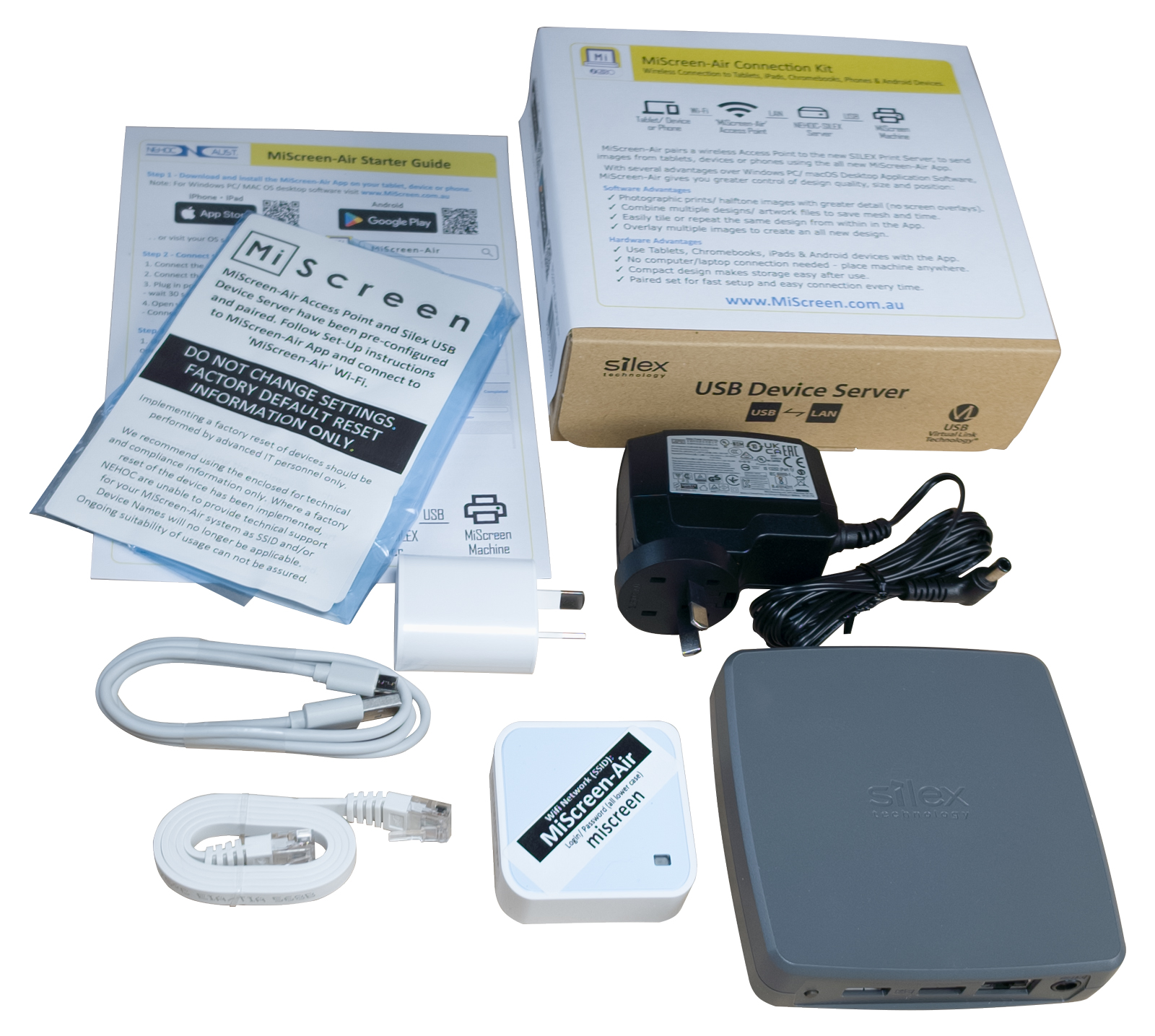
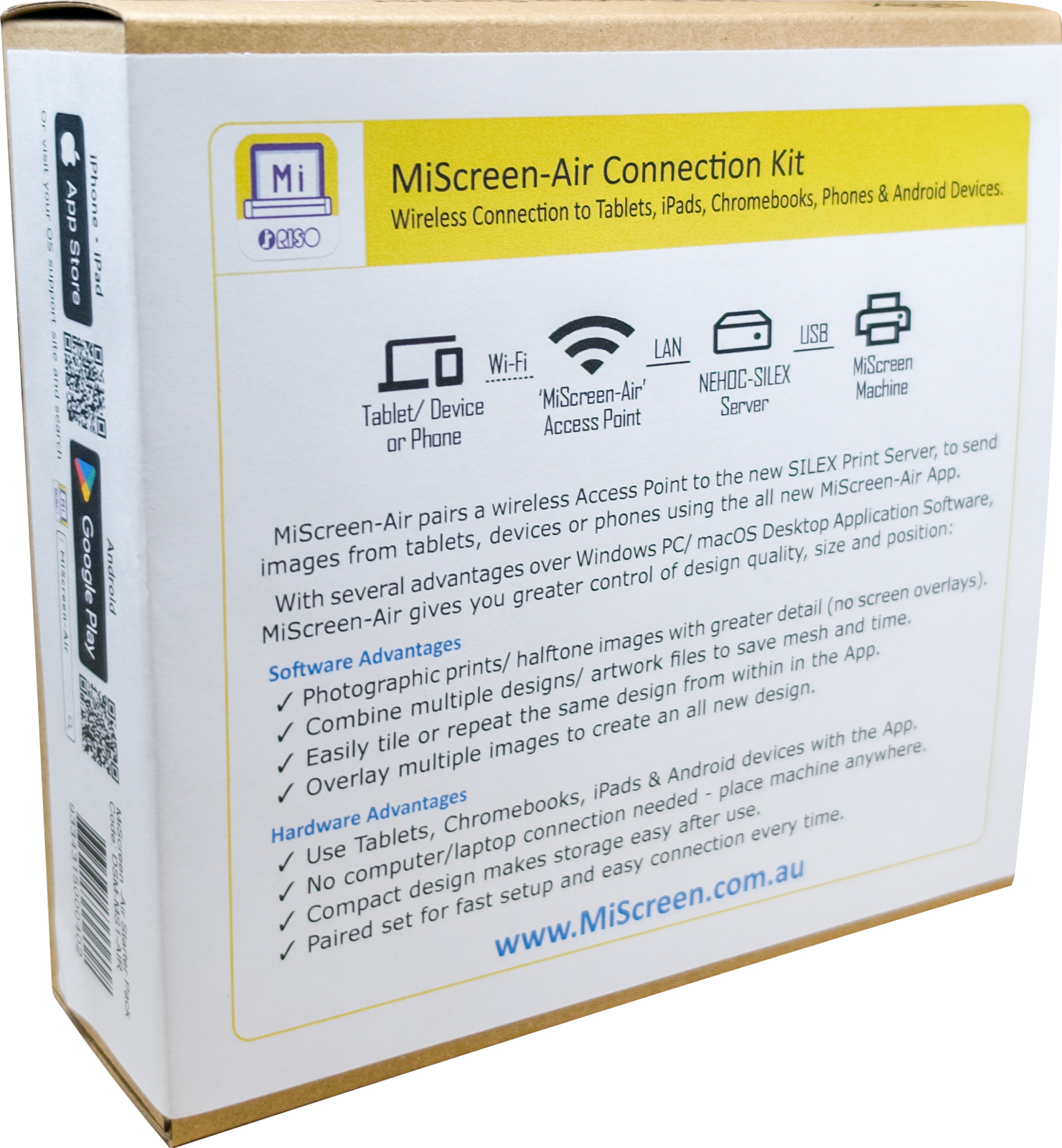
MiScreen-Air pairs a wireless Access Point to a NEHOC-SILEX Print Server, both of which have been programmed, to send images from tablets, devices or phones using the all new MiScreen-Air App.
With several advantages over Windows PC/ macOS Desktop Application Software, MiScreen-Air gives you greater control of design quality, size and position whilst removing the need to connect to a computer.
Kit Contents:
- 1 x NEHOC-SILEX DS-700AU Print Server (Australian Certified Model incl. AU power supply).
- 1 x MiScreen-Air Configured Wireless Access Point (incl. power supply.) for WiFi connection.
- 1 x LAN Connection Cable
- 1 x Set-Up Guide + App Guide Instructions
Each kit contains a paired set, including a pre-configured NEHOC-SILEX Print Server & WiFi Access Point for fast and easy connection.
Note: Requires MiScreen Machine (sold separately) to complete connection
NEHOC SILEX DS-700AU Specifications
Frequently asked question
YES! MiScreen-Air Connection Kit is a plug and play system suitable for all MiScreen systems, every single model ever can be upgraded.
YES! Your existing MiScreen can continue to be used with a computer by directly plugging the USB cable into the machine, then when you wish to switch back to WiFi, just plug the NEHOC-SILEX USB cable back in.
The biggest improvement is a how photos are imported, edited and printed with greatly improved details using an automatic dot screen overlay, plus options to lighten/darken also improved. The App's phot printing provides much greater details and tonal definition over the desktop software which splices the photo into black/white with no inbuilt dot screening for definition.
The App software has both new and upgraded features over the Desktop Application Software, including multiple image import to the work area, greater control of shading/ brightness and repeat design.
The App also enables multiple user connections at the same time to speed in class screen making by reducing wait times, with several students connected (MiScreen only makes 1 design at a time) making screens faster to produce.
The App software has both new and upgraded features over the Desktop Application Software, including multiple image import to the work area, greater control of shading/ brightness and repeat design.
The App also enables multiple user connections at the same time to speed in class screen making by reducing wait times, with several students connected (MiScreen only makes 1 design at a time) making screens faster to produce.
The MiScreen-Air Connection Kit has been tested and paired to work together for fast ongoing usage. Cheaper Print Servers and USB connection boxes do not handle the complex data transfer to the MiScreen machine. You can check yourself, just download the App now and attempt to connect using your own equipment (the MiScreen system will not appear).